E-Paper Calendar Ep.4 — Layout Design and Calendar Integration

This article is migrated from Medium and translated by Gemini pro 2.5.
Well, I’ve finally made it to that part: designing the layout. Creating an aesthetically pleasing calendar might just be the biggest bottleneck of this entire project.
I figured, why not see if ChatGPT, the pinnacle of new-generation human technology, could spark some new ideas?
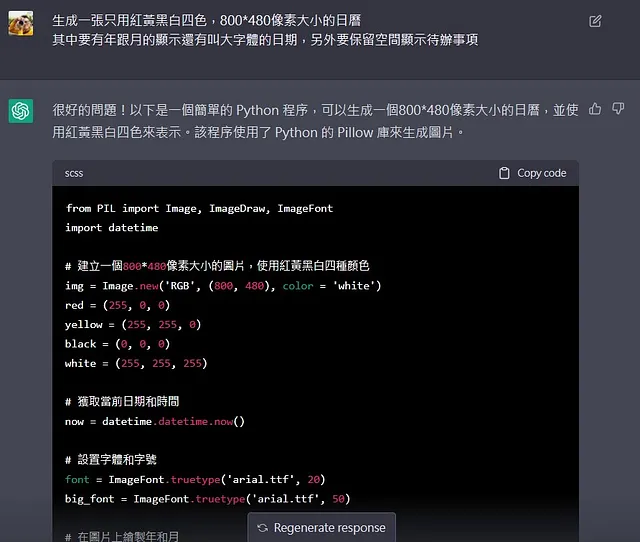
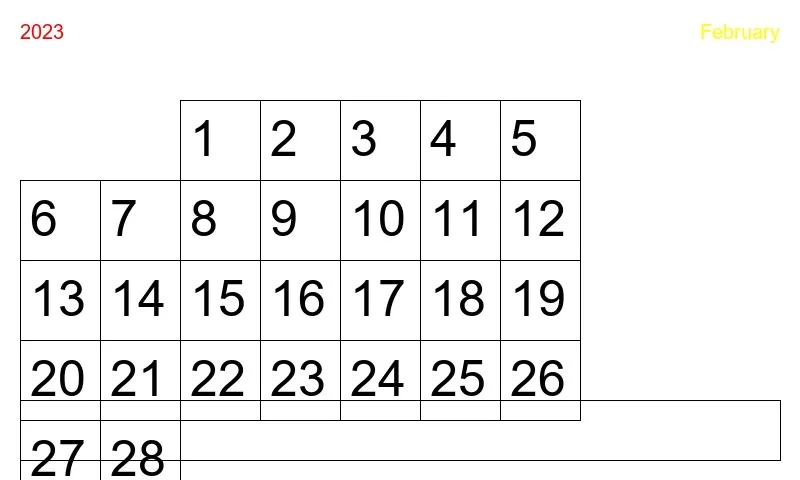
Maybe the prompt was the problem. Everyone says the tool isn’t the issue; it’s how you use it.
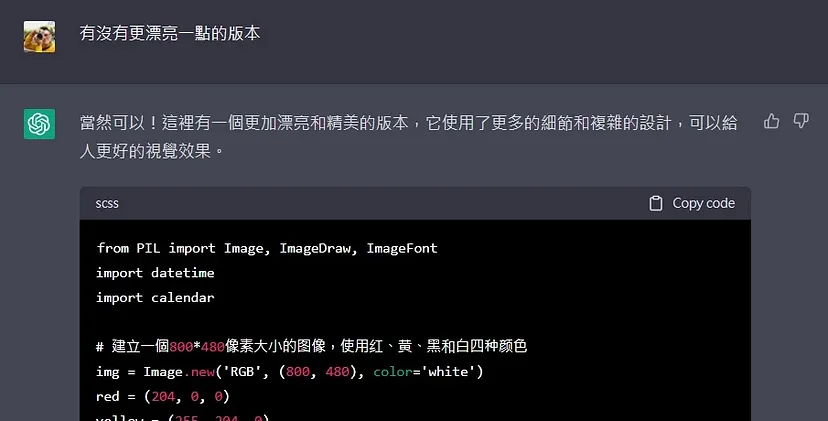
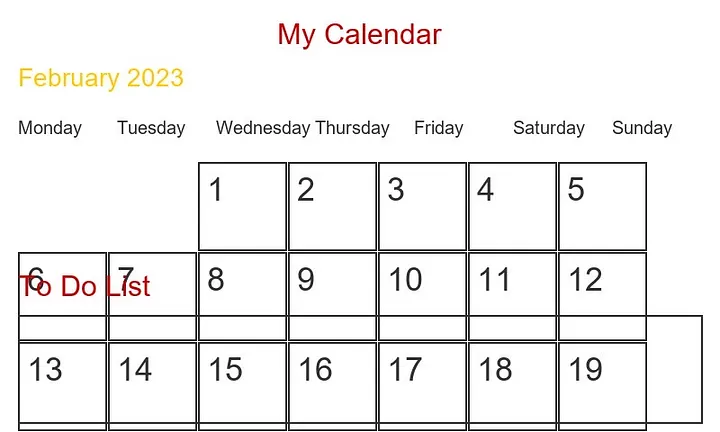
I have no idea what GPT’s definition of “beautiful” is, and I’m not going to dig into it. But could it at least get the format right?
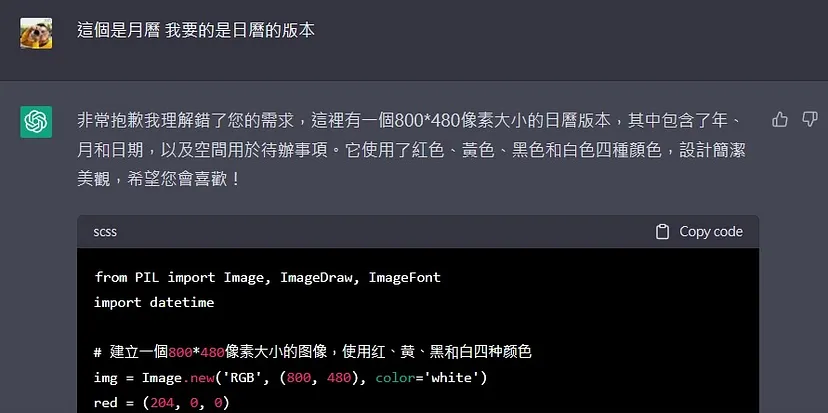
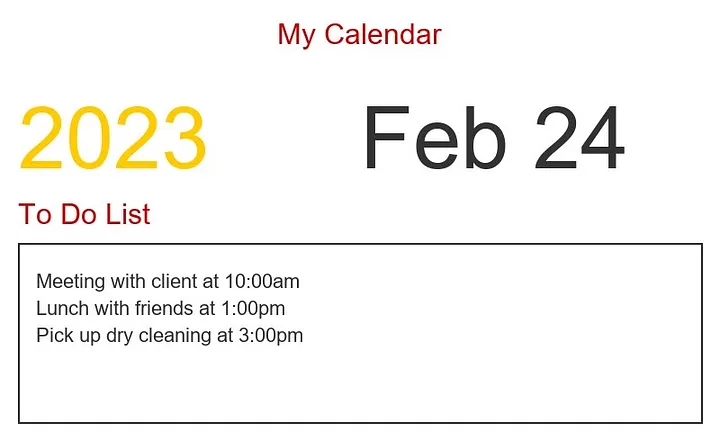
OK, it’s a version that is technically usable. But I just can’t bring myself to use it.
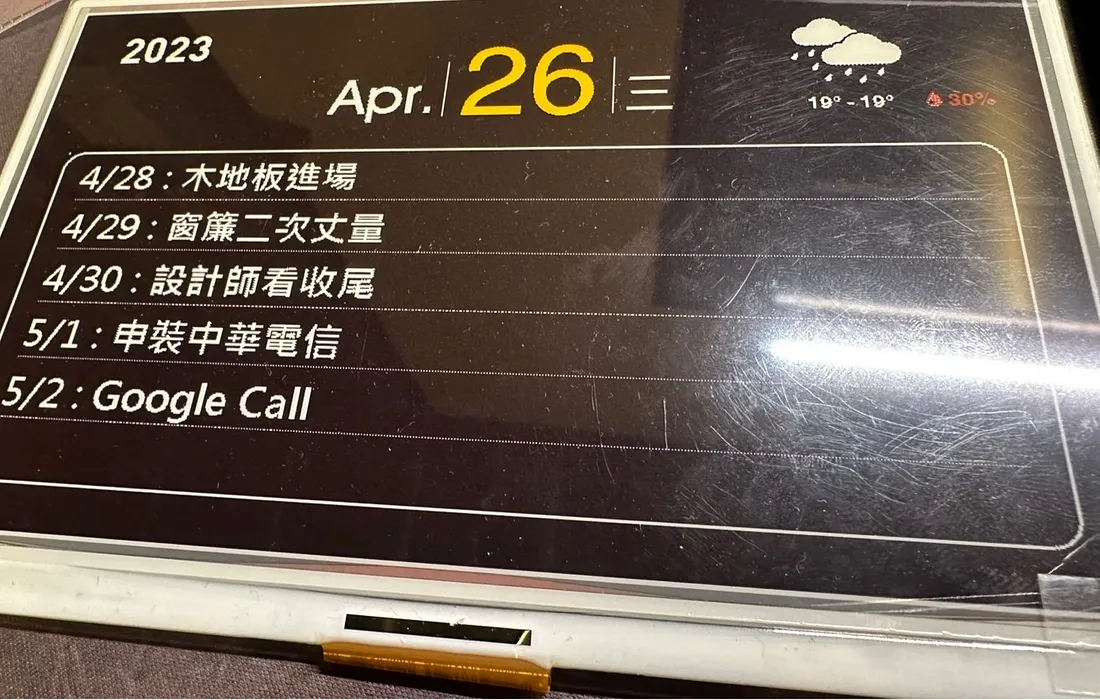
This is when the professional network you’ve built up comes into play. I decided to pull in a favor from a colleague. Our designer should have no problem with this. Otherwise, this project was about to be declared dead…
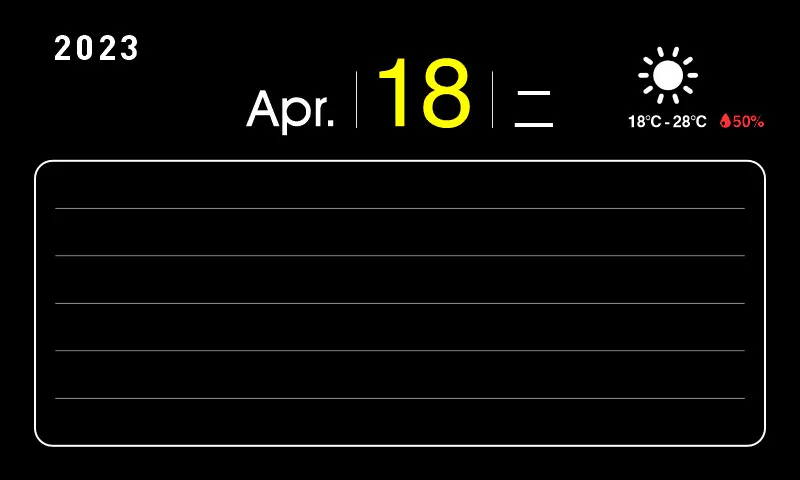
All I can say is, everyone has their specialty. At least the project can continue.
Integrating the Calendars
Next up is the calendar integration. In the previous post, I used the Google API to get Google Calendar data. Later, because some of my calendars are in iCloud, I also used the pyiCloud library, logged into my Apple account, and successfully pulled that data too.
But then a colleague wanted a set for themselves (I’ve got orders before it’s even finished!). I can’t possibly expect every user to apply for Google Cloud credentials, get a token, and go through authentication just to use it. After some simple research, I found there is indeed a much more convenient way.
iCalendar (Internet Calendar, often abbreviated as iCal) is a universal calendar data exchange format used to represent and share calendar events, schedules, and to-do lists. iCalendar is widely used in PIMs, scheduling systems, and calendar applications to facilitate data exchange between different platforms and services. The iCalendar data structure is based on a text file, typically with an .ics extension. (The above is from GPT).
Simply put, both Google and Apple calendars use this format. This means I can get a corresponding .ics URL, and then use a library to parse it to get the calendar data. Using this format doesn’t require any login or account authentication; you just need to manage your private .ics address.
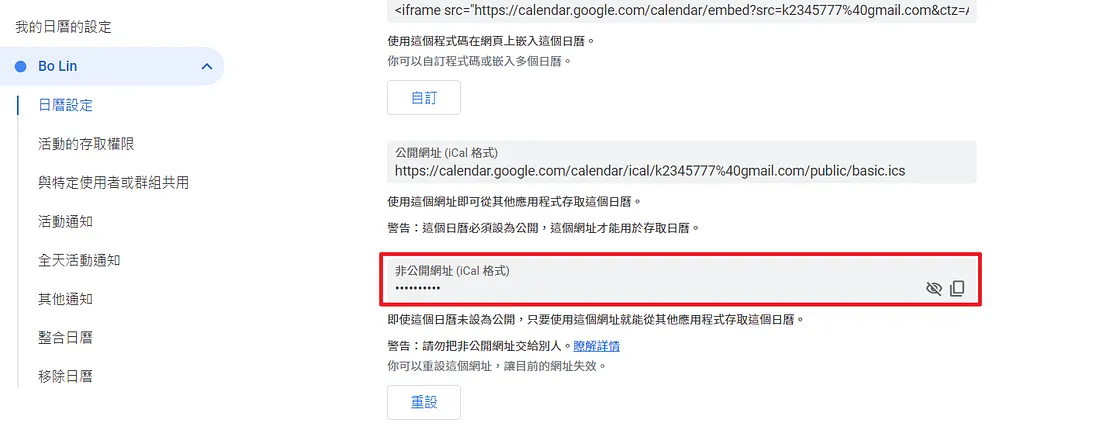
You can find this .ics URL in the Google Calendar settings page. After that, I followed the official documentation for the Python ics library and easily integrated all my scattered calendars. There were some formatting issues with the iCloud parsing, but I handled those with some extra processing and got it done.
Next up is the circuit integration and the problem of how to fit it all into a picture frame. It looks like this project will be wrapping up soon.